






Skylight Calendar vs Echo Show 21: 5 Key Differences You Need to Know
I’ve tried them both so here’s my verdict, giving you the after value you’re looking for
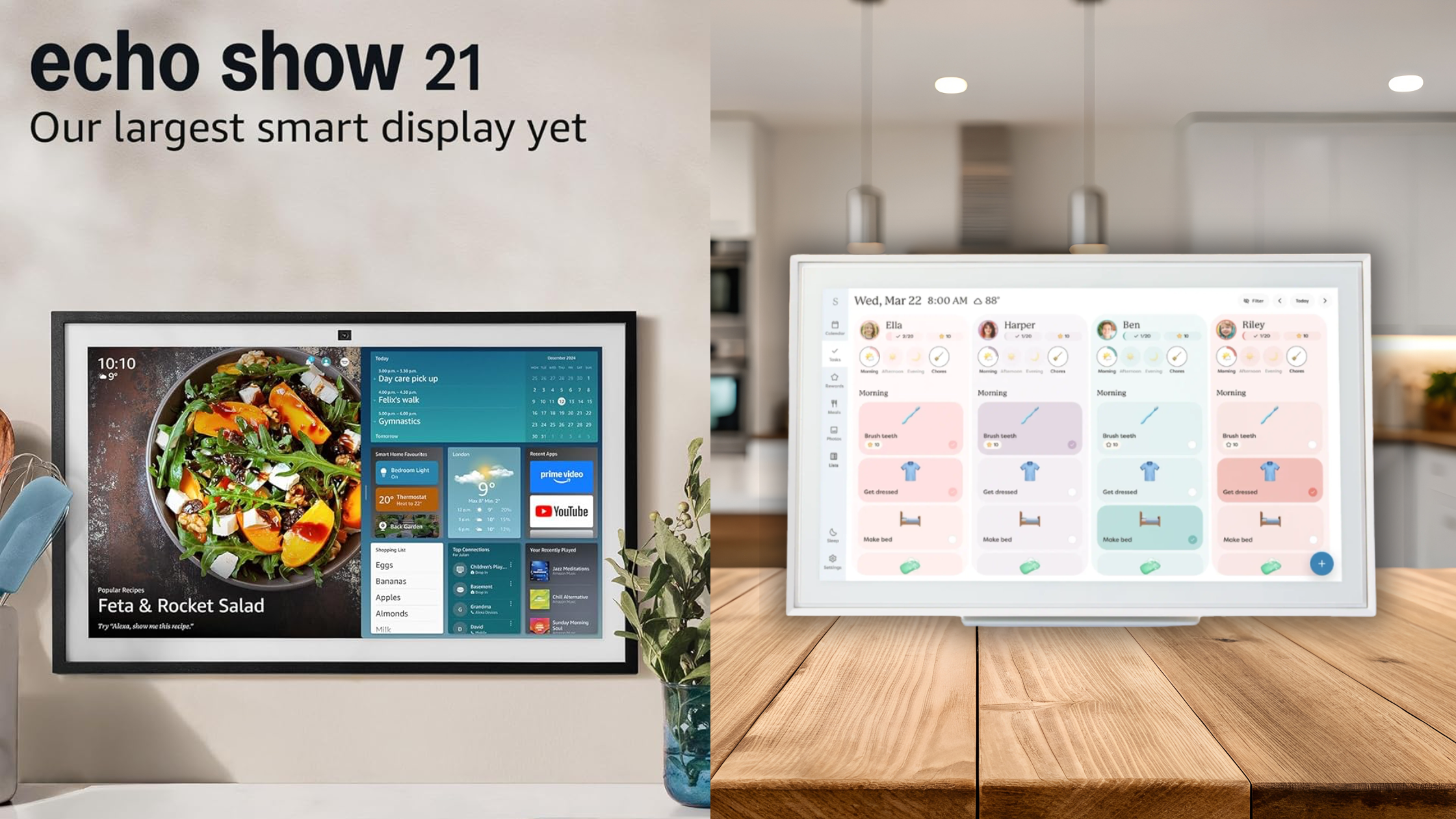
If you’re trying to decide between the Skylight Calendar and the Amazon Echo Show 21, you’re not alone. At first glance, they both look like big smart screens you hang on the wall — but in real life, they’re built for very different jobs.
One is all about keeping your family organized. The other is more like a giant Alexa with a TV built in.
1. What They’re Actually Made For
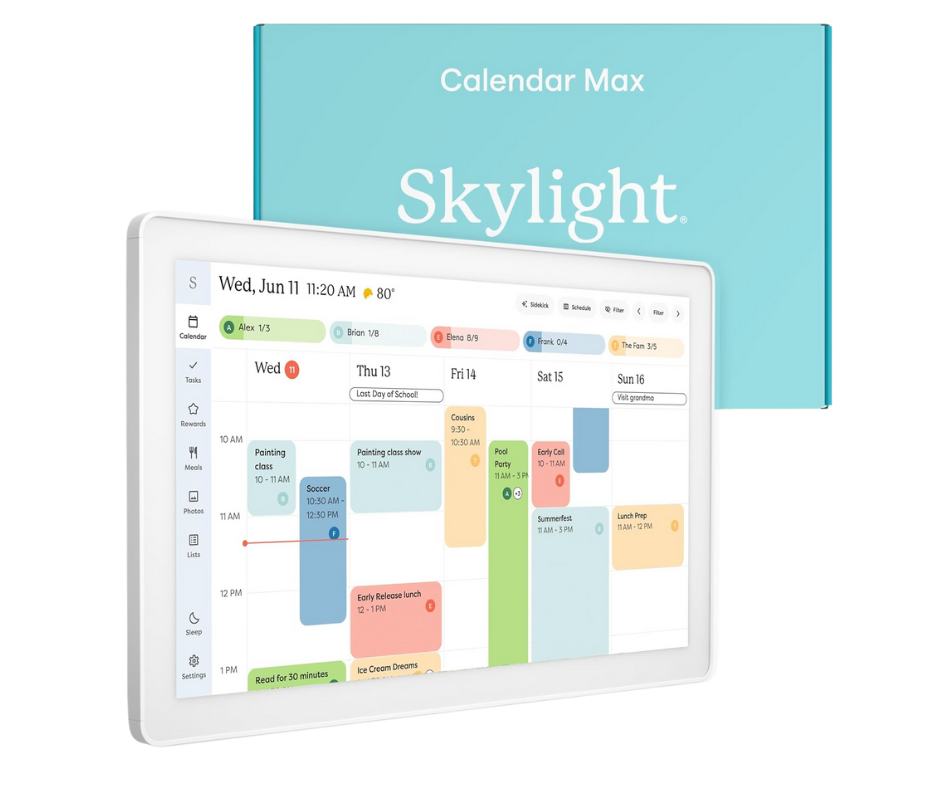
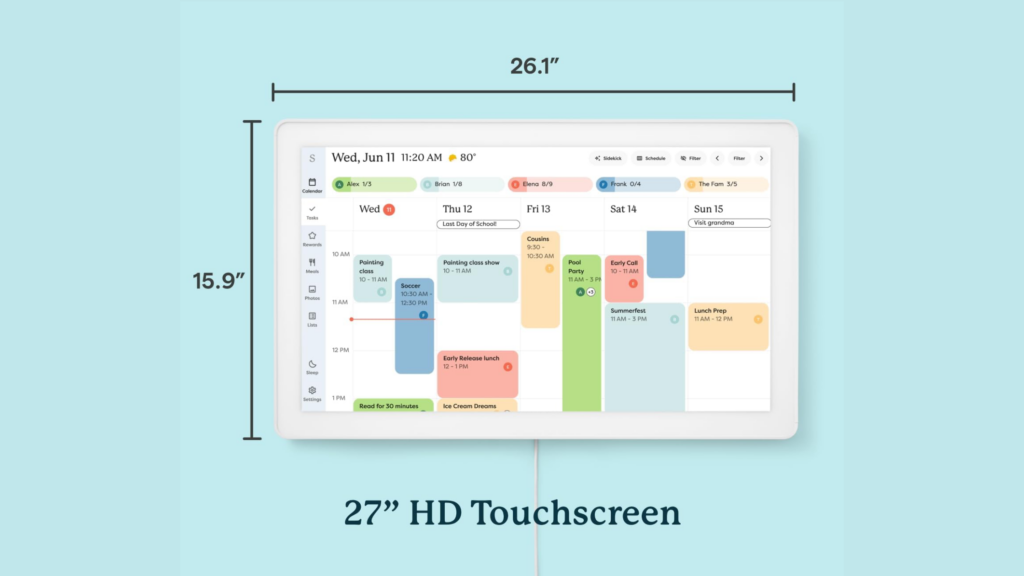
The Skylight Calendar is basically a digital command center for busy families. It shows everyone’s schedules, appointments, chores, and to-do lists in one place. You hang it up, glance at it throughout the day, and instantly know what’s going on.
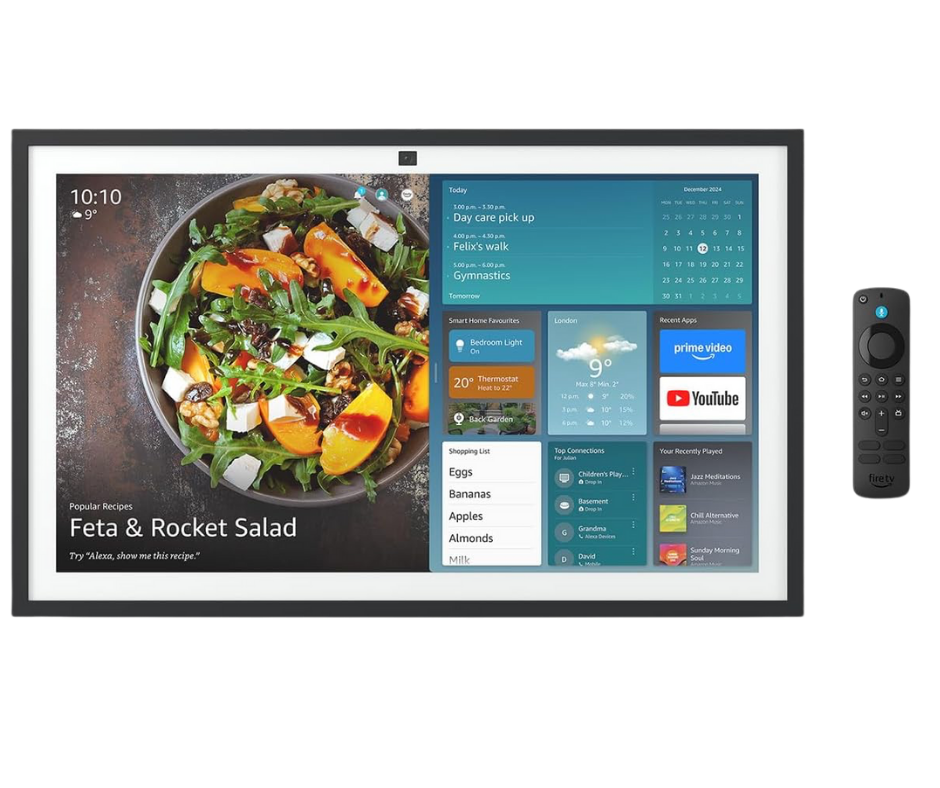
The Echo Show 21 is a multi-purpose smart display. It does a little bit of everything: Alexa voice commands, streaming TV shows, video calls, music, and smart home control.
Quick takeaway:
Skylight = organization first.
Echo Show 21 = smart home + entertainment.
2. Calendar and Family Planning
This is where Skylight really shines. It’s built around calendars. You can sync Google, iCloud, or Outlook, gives each family member their own colour, and adds chores, meal plans, and shared to-do lists. It’s great for kids, parents, and anyone who forgets what day it is. Something to note is, you do have to sign up to an app £6.00 or £60.00 per year if you want to use all of the functions.
The Echo Show 21 has calendar support through Alexa, but it feels more like an extra feature than the main event. You can check events or ask Alexa what’s coming up, but there’s no built-in family planning dashboard.
Bottom line:
If your household runs on schedules, Skylight wins this one easily.
3. Voice Control and Alexa
Here’s where the Echo Show 21 pulls ahead. It has a built in Alexa , so you can talk to it like you would any other Echo. Add calendar events, control lights, ask questions, play music, ask for recipes, add to you shopping list — all hands-free.
The Skylight Calendar doesn’t have a voice assistant built in. You mostly interact with it by touching the screen or using the companion app on your phone or laptop. I personally found the touch screen quite laggy and frustrating often pressing the screen a number of times before it registered my tap.
Bottom line:
If you love talking to Alexa, Echo Show 21 is the better fit.
4. Entertainment and Smart Home Features
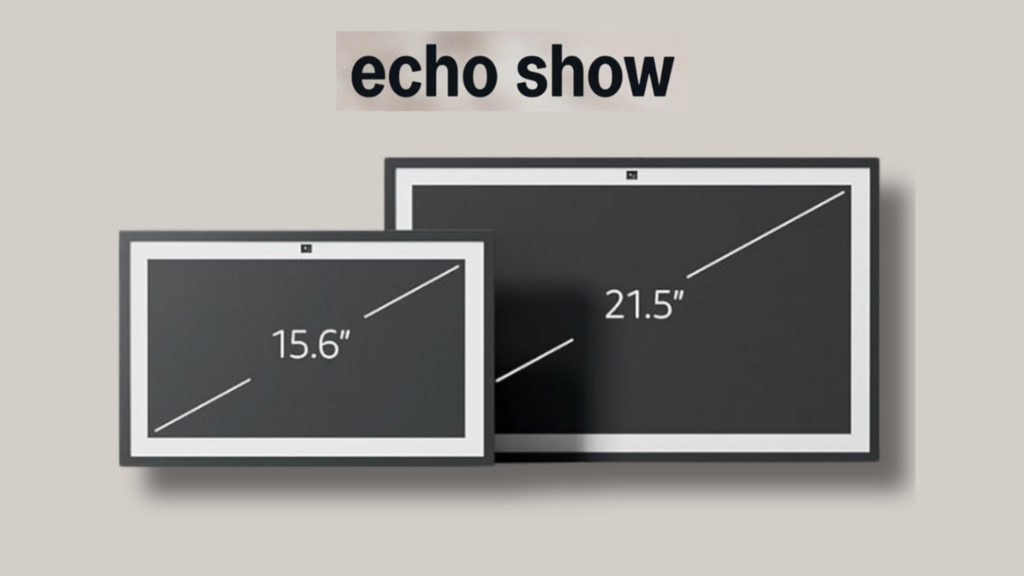
The Echo Show 21 is also a full entertainment screen. It has Fire TV built in, so you can stream shows, watch videos, listen to music, make video calls and control smart home devices like lights, plugs, and cameras.
The Skylight Calendar keeps things simple on purpose. No Netflix. No YouTube. No distractions. It’s just there to keep your life organized.
Bottom line:
Echo Show 21 is fun and flexible. Skylight stays focused and distraction-free.
5. screen and every day use
The Skylight Calendar screen is designed to be readable from across the room. Big text, clear layouts, and an always-on feel that makes it easy to check schedules at a glance.
The Echo Show 21 has a massive high-quality display that’s great for watching videos and making video calls. It looks more like a TV than a planner.
They both have the digital photo frame element. Skylight also sells the digital photo frame on its own.
Bottom line:
Skylight is built for quick check-ins. Echo Show 21 is built for watching and interacting.

So… Which One Should You Get?
Go with the Skylight Calendar if:
- You want a shared family calendar everyone actually uses
- You need help staying organized
- You don’t want extra distractions on the screen
Go with the Echo Show 21 if:
- You want Alexa voice control
- You want streaming, music, and smart home features
- You want one big screen that does a bit of everything
At the end of the day, it’s not about which one is “better”, it’s about whether you want better organization or more smart features. Think about the needs of your household and go from there.